

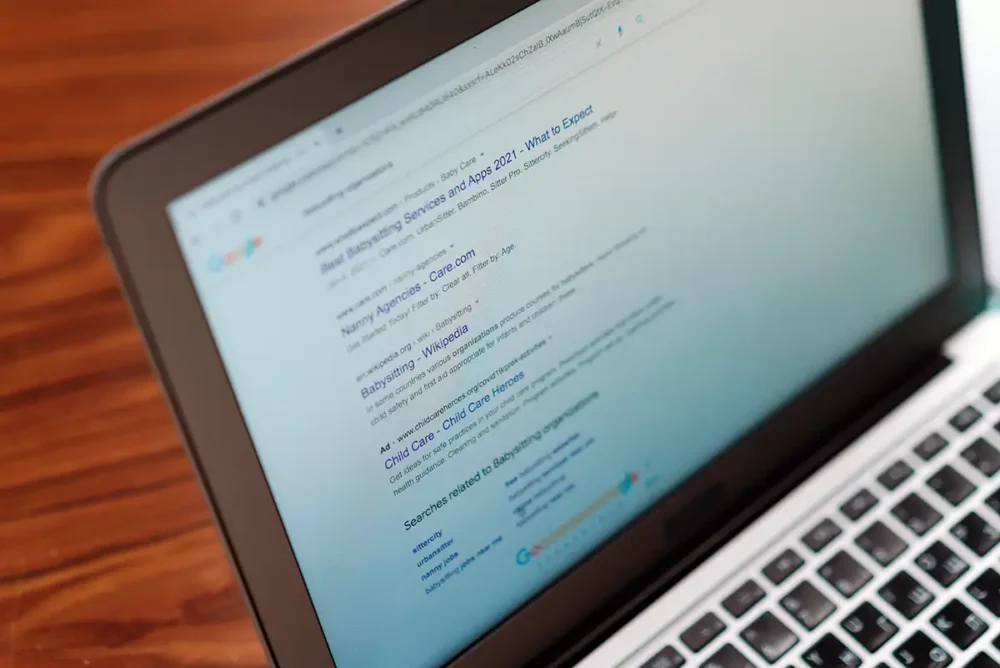
A North Scottsdale small business client asked me today where the blue clickable headline in Google search results pages comes from.
I told him that Google usually takes that information from his website’s title tag. Of course, he then asked me what a title tag was.
And I explained that a title tag is a piece of website code that tells search engines, searchers, and visitors what a specific web page is about. Because it acts as the page’s main headline (which is why Google frequently uses it), it is one of the very first things an SEO professional will fix and improve.
Now that we know where Google usually gets the website titles they use in their search results, you might wonder why they bother looking anywhere else.
The truth is, Google’s automated systems search through multiple areas of your webpage to figure out what your page is truly about. They want the search title to match exactly what a searcher is looking for.
You may have noticed that I said Google “usually” or “frequently” gets the title from your title tag. If that tag is missing, too long, or doesn’t match the user’s search, Google may pull it from your main web page headings, important text on the page, or even from links to your website and social media tags.

Where Google Finds Search Titles
The Main Source (Title Tag)
The most common place Google looks is your title tag. When you use a website builder like WordPress, Wix, or Shopify, there is usually a box labeled “SEO Title,” “Meta Title,” or “Page Title.” What you type into that box goes directly into this code.
Because this is Google’s preferred choice, if your title tag is clear, accurate, and matches the content on your page, Google will usually display it exactly as you wrote it.
Your Main Web Page Headline (H1 Tag)
If Google decides your title tag isn’t helpful, its very next stop is usually the largest, most visible text on your actual page. This is your main article or page heading, known in web design as an H1 or Heading 1 tag. For example, if you are reading a blog post, the big title at the very top of the article is usually the H1.
So, if you forgot to write a title tag, or if your title tag is just a repetitive list of keywords, Google will typically ignore it. Instead, it will grab your H1 headline and use that for your search result.
Subheadings and Styled Text (H2, H3, and Large Fonts)
If Google doesn’t find what it needs in the main headline, it keeps digging further down your page.
So, Google looks at subheadings (H2 or H3 tags) or any text that you have made bold, italicized, or styled in a very large font.
Thus, Google’s systems assume that if text is styled to stand out, it must be important. If your main headline is vague (like “Welcome”), Google might look at your first subheading (like “Affordable AC Repair in Scottsdale”) and use that as the search title instead.
Words inside Links (Anchor Text)
Surprisingly, Google doesn’t just look at your own website…it may also look at what other websites say about you.
So, if your web page is hard for Google to read (or if it’s a file like a PDF that doesn’t have traditional headlines), Google may look at how other websites link to it to determine what the title should be.
When another website links to your web page, the clickable text they use is called anchor text. For example, if a local newspaper links to your site using the phrase “best bakery in Scottsdale,” Google might use those exact words as your search result headline.
Social Media Tags (Open Graph Text)
Finally, Google can look at the hidden settings meant for social media networks.
When you share a web page on Facebook.com or X.com, these platforms automatically pull a title and image to display in your feed. Website owners use special behind-the-scenes text tags to control exactly how those shares look.
If Google cannot find a good headline anywhere else on your web page, its automated systems may look at these social media settings and use that information for your Google search result.

Why Does Google Mix and Match This Data?
Google’s ultimate goal is to help their searchers. If your title tag says “Home,” that doesn’t help a user understand what the web page is about. Google will automatically scan your H1 headers, your large text, and your links to your website to piece together a better title, like “Dave’s Auto Repair Shop in Scottsdale” so searchers actually know what they are clicking on.
To make sure Google picks the title you want, the best strategy is to make your title tag and your main web page headline match as closely as possible.
 EMAIL US