

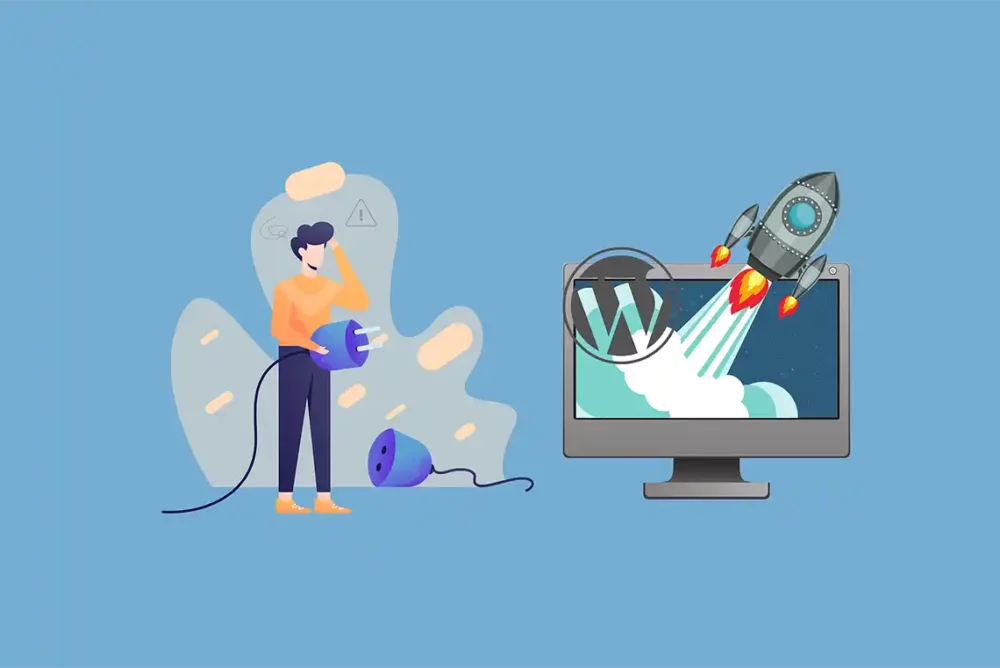
Over the years, we have seen many clients’ WordPress websites utilize a wide range of plugins. While that is no surprise, there may come a point when too many plugins can negatively impact website performance, or lead to greater security vulnerabilities and incompatibility issues. But the question many clients tend to ask is how many plugins would be considered to many. Before we get into the nitty gritty of addressing this very question, let us first answer a fundamental question.
What is a WordPress Plugin?
As mentioned in a previous article I wrote, a WordPress plugin is a small, self-contained software add-on that can extend the functionality of a WordPress website. As such, WordPress plugins add more complexity to your website and with that can come unintended consequences such as security vulnerabilities and incompatibility issues relative to other plugins, your WordPress theme and the WordPress core software itself.
The Trouble with Using too Many WordPress Plugins
There may be a number of issues that arise from using too many WordPress plugins. Here are a few.
Website Page Speed
WordPress plugins can load more code onto your web pages. That can mean more database queries, extra CSS files and JavaScript that run on every visit. As such, your website can take longer to fully render, frustrating users and increasing bounce rates. That is because most website visitors hate to wait around for web pages to load.
This brings us to Core Web Vitals from Google. Here, Largest Contentful Paint (LCP) measures load time for large elements and as such, plugins can push it past three seconds. First Input Delay (FID) can slow user clicks with heavy scripts. Cumulative Layout Shift (CLS) can weigh down pages as assets load late. Keep in mind that it has been reported that websites with more than 50 plugins often score poorly on these metrics. This can lead to drop in SERPs.
Security Vulnerabilities
Plugins are written by software developers. But all some software developers are sloppy, overlooking potential security vulnerabilities. Thus, poorly coded plugins can invite trouble. As a result, some hackers scan for old versions of popular plugins with known flaws. This can enable hackers to steal data or inject spam into a website.
It has been widely reported that plugin vulnerabilities are the main cause of most WordPress hacks.

Maintenance Issues
Plugin maintenance can be time consuming. That is because some WordPress plugins can cause conflicts with other plugins, your theme and/or WordPress core software. And even though later versions of WordPress offer the ability to automatically update plugins, some are not always automatically updated. Failing to update your plugins to their latest versions can exacerbate conflicts and performance issues.
Resource Consumption
Plugins guzzle web server resources. They run PHP code, eat up memory and can spike CPU usage. In some cases, your web host may throttle you or charge more, neither of which is a good thing.
How Many is Too Many WordPress Plugins?
There is no magic number above which might constitute having too many active WordPress plugins. That is because it depends on how well-coded those plugins are. For example, 10 well-coded plugins may run better than 5 poorly-coded plugins. That said, some might argue that having more than 30 active WordPress plugins, may increase the likelihood of performance degradation, security risks and conflicts.
Plugin Quality vs. Quantity
When it comes to WordPress plugins, quality is generally believed to be a more important consideration than quantity. Therefore, focus more on plugins that run efficiently and are well-coded. You can do this by reading reviews and testing your website while these plugins are actively running using tools such as GTmetrix or Google’s PageSpeed Insights.
Theme Frameworks and Page Builders
Some WordPress themes come with built-in functionalities that reduce the need for some plugins. A framework such as Divi includes sliders and forms, so you do not need to install plugins for those. There are also page builders such as WPBakery and Elementor that bundle numerous capabilities that help to reduce the need to install separate plugins.

Consolidating Functionality with Multi-functional Plugins
When it makes sense, consider swapping out plugins that offer single function capabilities with those offer more, to improve website performance, security and maintenance. For example, SEO plugin suites such as Rank Math handle meta, sitemaps and schema. And generally speaking, fewer active WordPress plugins means fewer updates and potentially fewer conflicts.
Plugin Deletion
It is a good idea to periodically check whether you have deactivated plugins or active plugins that you no longer need. If this is the case, delete those unused WordPress plugins entirely to mitigate the risk of hacking and the need to update them on an ongoing basis.
 EMAIL US